
Running a small business means wearing a lot of hats, and 'full-time marketer' is a demanding one. Juggling emails, social media posts, and lead nurturing can feel like an endless cycle that pulls you away from core business operations. This is where marketing automation steps in, not as a complex, enterprise-level luxury, but as a powerful ally for growth.
The right tool can save you hundreds of hours, deliver personalized experiences to your customers, and drive revenue while you focus on what you do best. But with dozens of options flooding the market, how do you find the one that fits your specific needs and budget without a lengthy and expensive trial-and-error process?
This guide cuts through the noise. We have curated and analyzed 12 of the best marketing automation tools for small business. Forget generic feature lists; we provide an in-depth look at what makes each platform tick, who it's truly for, and what to watch out for.
Inside this resource, you will find:
- Detailed profiles of each tool with screenshots and direct links.
- Honest pros and cons based on real-world use cases.
- Clear pricing breakdowns to match your budget.
- Practical tips for implementation and integration.
Consider this your definitive roadmap to choosing the perfect system to automate your marketing efforts. Our goal is to help you find the right platform to scale your business smarter, not harder. Let's dive in and find the tool that will put your growth on autopilot.
1. Faqir
Faqir offers a uniquely intelligent approach to content creation, positioning itself as one of the most innovative marketing automation tools for small business owners focused on capturing organic search traffic. Instead of relying on manual research or guesswork, its AI assistant taps directly into your customer conversations, analyzing calls, chats, and emails to identify the real questions prospects and customers are asking. This data-driven process allows it to build and continuously update a comprehensive FAQ page on your website.
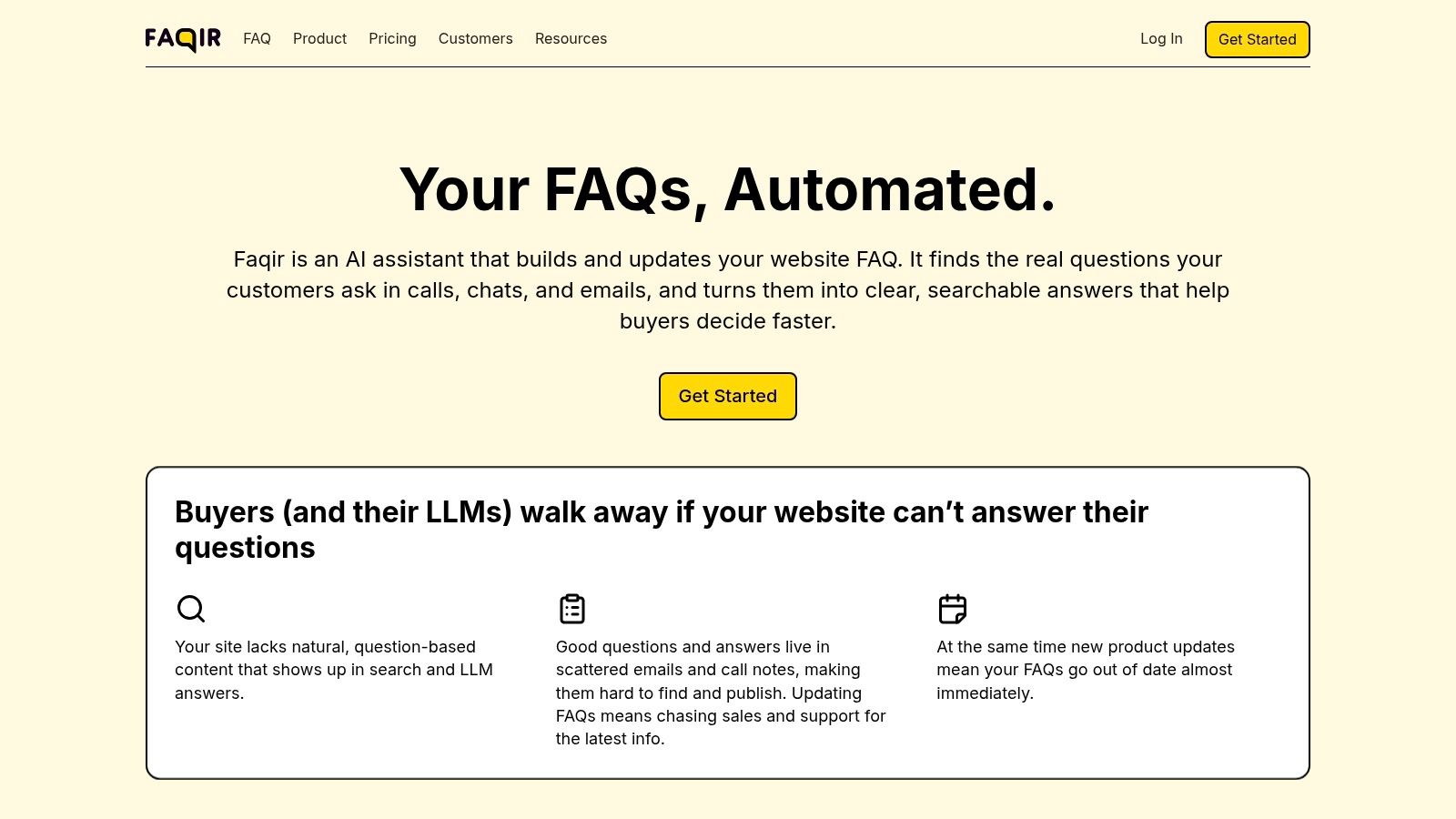
The platform’s core strength is its "set it and forget it" automation. Once connected, it works in the background to keep your FAQ content fresh and relevant, reflecting current customer pain points. This ensures your site addresses genuine buyer friction, which helps shorten sales cycles and reduce the burden on your support team.
Standout Features and Use Cases
Faqir’s automation goes beyond simple content generation. The generated FAQs are specifically structured for both traditional search engines and Large Language Models (LLMs), a critical advantage for visibility in AI-driven search results like Google's SGE and Perplexity. This dual optimization helps future-proof your SEO strategy. For more details on this approach, you can explore Faqir's guide on optimizing FAQs for SEO on faqir.ai.
- Best For: Small businesses aiming to boost organic traffic, improve on-site conversions, and automate a key part of their content marketing pipeline. It is especially powerful for companies with high volumes of customer interactions.
- Key Advantage: It completely removes the manual effort of creating and maintaining a vital, high-intent section of your website. The content is guaranteed to be relevant because it comes directly from your audience.
What to Consider
Because Faqir needs access to your communication channels, implementation requires careful planning around privacy, compliance, and technical integration. The platform does not publicly display pricing or customer testimonials; interested businesses must book a demo to get cost details and confirm if it aligns with their specific needs and systems.
Website: https://www.faqir.ai
2. HubSpot Marketing Hub
HubSpot Marketing Hub is an all-in-one platform that combines powerful marketing automation with a free, fully integrated Customer Relationship Management (CRM) system. It’s one of the most comprehensive marketing automation tools for small businesses aiming to build their entire marketing and sales funnel on a single, unified platform. The visual workflow builder makes it simple to create multi-step email sequences, internal notifications, and automated lead nurturing campaigns.
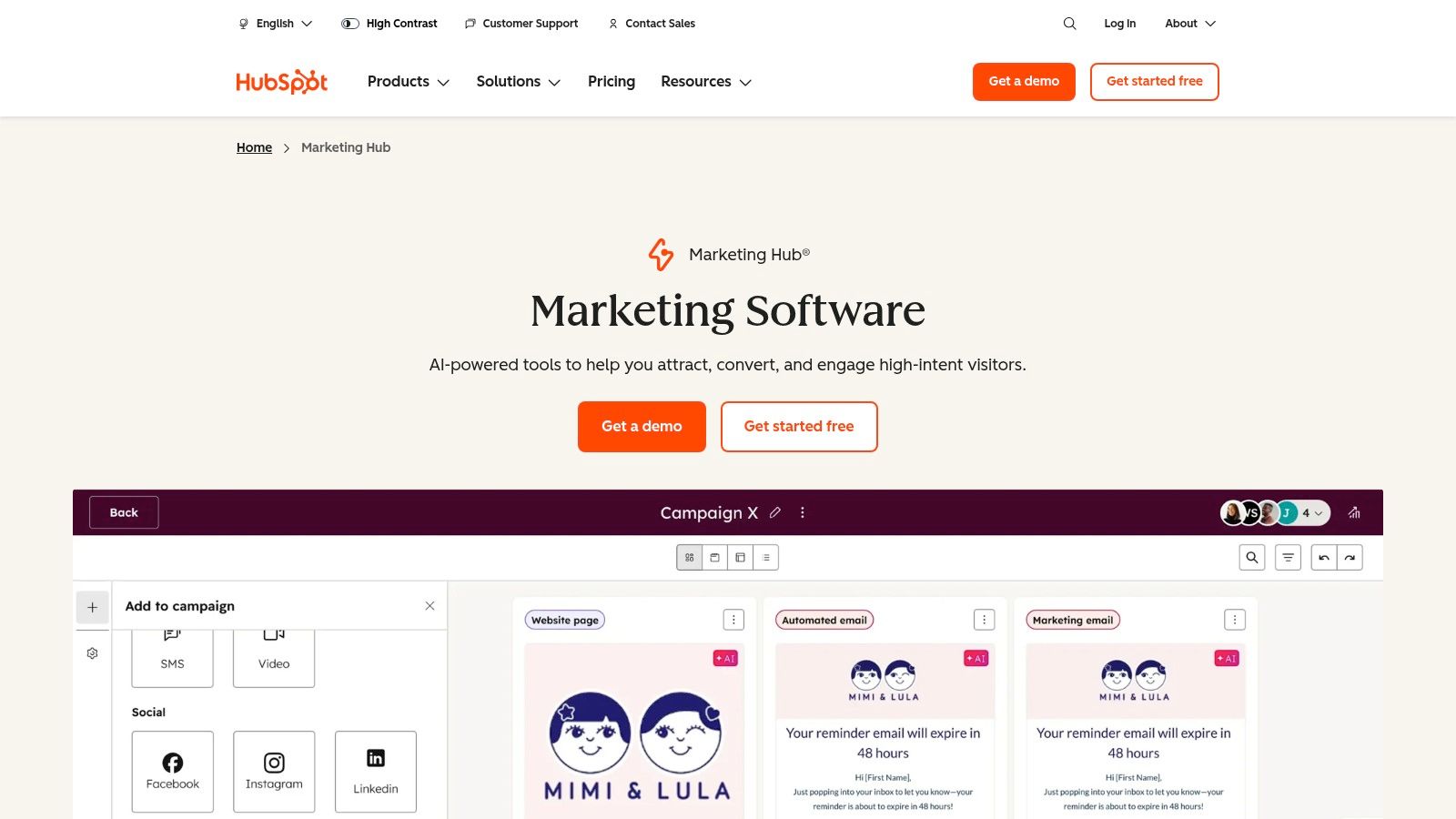
Unlike point solutions that only handle email, HubSpot includes landing pages, forms, social media scheduling, and ad management, all tied back to a central contact record. This tight integration provides deep insights into customer behavior and campaign performance, making your marketing efforts smarter and more effective.
Key Features & Use Cases
- Best For: Businesses that want a single, scalable platform for marketing, sales, and service. It's ideal for those who value extensive educational resources and a large integration ecosystem.
- Visual Workflow Builder: Automate tasks beyond email. For example, you can set a rule to automatically create a sales task when a lead visits your pricing page three times.
- Built-in CRM: Leverage deep segmentation and lead scoring. You can trigger different automation flows based on a contact’s industry, job title, or engagement level.
- Robust Analytics: Track the entire customer journey with detailed attribution reporting to see which marketing channels deliver the most valuable customers.
Website: https://www.hubspot.com/products/marketing
Practical Tip: HubSpot's free tools are a great entry point. You can also integrate it with specialized tools. For instance, you can connect HubSpot with top knowledge base software to provide seamless customer support and enrich your contact data.
3. Mailchimp (by Intuit)
Mailchimp is one of the most recognized names in email marketing, and its platform has evolved into a robust marketing automation tool for small business owners. Known for its user-friendly interface and extensive template library, it makes creating professional campaigns accessible to everyone. The platform allows you to design automated customer journeys that trigger emails based on user behavior, such as signing up for a newsletter or abandoning a shopping cart.
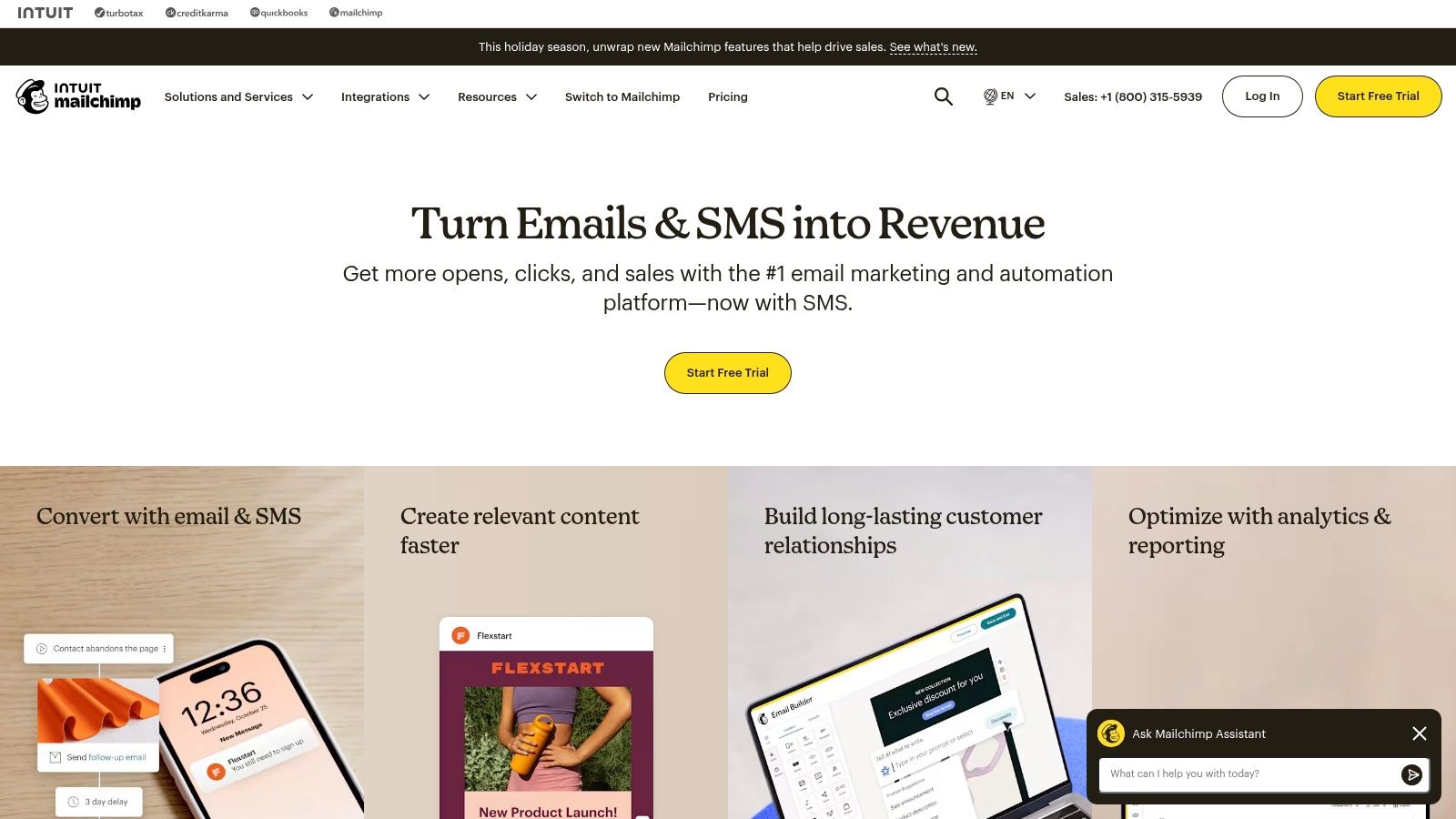
While its core strength is email, Mailchimp now offers a more integrated marketing experience. You can build landing pages, create social media ads, and even send postcards, all from one dashboard. This makes it a great starting point for businesses looking to centralize their marketing efforts without the complexity of an all-in-one CRM suite. Its strong focus on ecommerce integrations also makes it a top choice for online retailers.
Key Features & Use Cases
- Best For: Small businesses, especially in ecommerce, that need a straightforward, email-centric automation tool with a great user experience and rich templates.
- Customer Journey Builder: Create multi-step automation flows visually. For example, you can set up a welcome series for new subscribers that sends a different follow-up email depending on whether they clicked the first one.
- Advanced Segmentation: Target subscribers with precision. You can automate campaigns based on purchase history, website activity, or predicted demographics to send highly relevant messages.
- A/B & Multivariate Testing: Optimize your campaigns by testing up to eight variations of a single email to see what subject lines, content, or send times perform best.
Website: https://mailchimp.com
Practical Tip: Use Mailchimp's pre-built automation recipes to get started quickly. These templates cover common scenarios like abandoned carts, welcome emails, and happy birthday messages, saving you significant setup time.
4. ActiveCampaign
ActiveCampaign is an automation-first platform designed for small businesses that need sophisticated marketing power without an enterprise-level price tag. It excels at combining email marketing, a sales CRM, and powerful customer journey mapping into a single, cohesive system. Its visual automation builder is a standout feature, making it easy to create complex "if/then/else" logic that responds directly to user behavior.
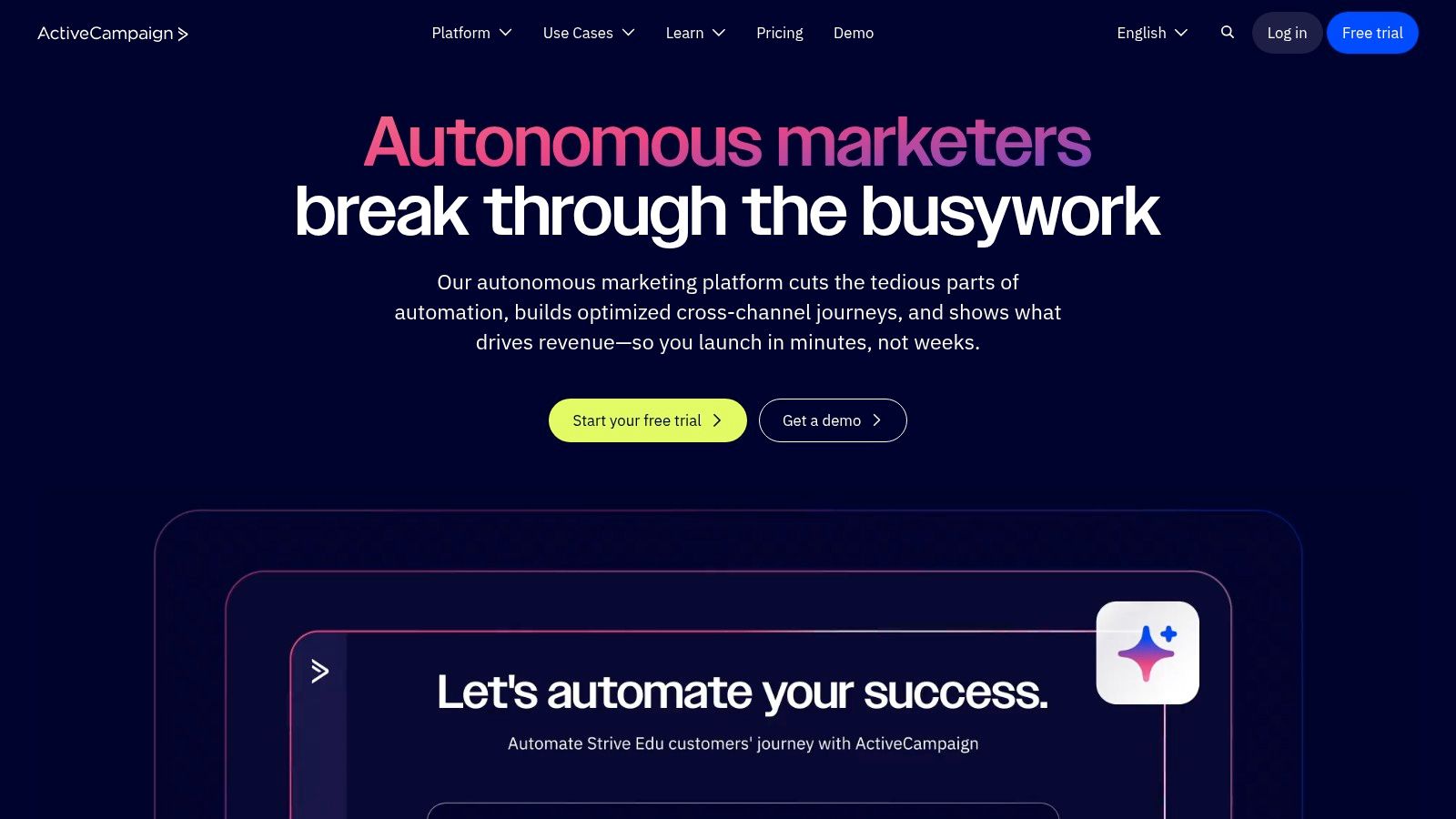
Unlike simpler email tools, ActiveCampaign provides deep data capabilities like site and event tracking, allowing you to trigger automations based on page visits, button clicks, or form submissions. This makes it one of the most flexible marketing automation tools for small business owners who want to personalize communication at scale and nurture leads based on their precise actions.
Key Features & Use Cases
- Best For: Small to mid-sized businesses that prioritize powerful, behavior-driven automation and need an integrated sales CRM. It’s perfect for those who have outgrown basic email marketing platforms.
- Advanced Visual Automations: Use a drag-and-drop builder to create intricate workflows. For example, you can send a follow-up email sequence to anyone who visits a specific product page but doesn’t make a purchase.
- Site & Event Tracking: Implement dynamic content on your website that changes based on a visitor's tags or previous actions, creating a highly personalized experience.
- Built-in CRM & Lead Scoring: Automatically score leads based on their engagement and assign them to sales team members once they reach a certain threshold, streamlining the handoff from marketing to sales.
Website: https://www.activecampaign.com
Practical Tip: Start with ActiveCampaign's pre-built "automation recipes" to learn the ropes. You can import proven workflows for tasks like abandoned cart reminders or welcome series and customize them to fit your business, significantly reducing the initial setup time.
5. Brevo (formerly Sendinblue)
Brevo, formerly known as Sendinblue, offers a comprehensive, budget-friendly marketing platform that excels in multichannel communication. Unlike many competitors that price based on contact list size, Brevo's core pricing revolves around monthly email send volumes, making it one of the most cost-effective marketing automation tools for small businesses with large but less frequently engaged audiences. Its automation builder is straightforward, allowing users to create workflows for email, SMS, and chat.
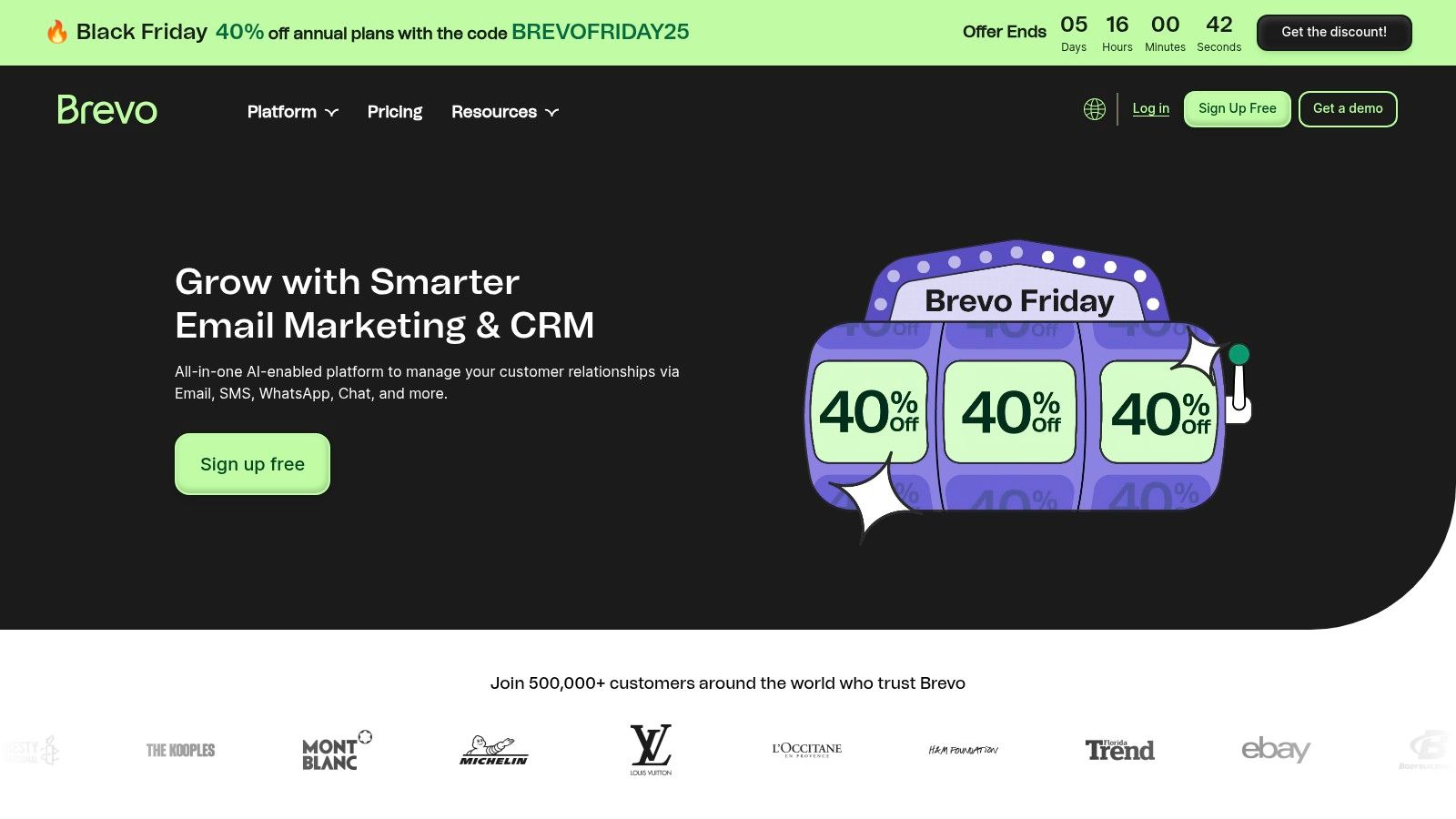
This platform consolidates email marketing, transactional emails, SMS campaigns, push notifications, and landing pages into a single dashboard. This integrated approach allows businesses to manage diverse customer touchpoints without juggling multiple tools, providing a unified view of customer interactions across different channels and simplifying campaign management.
Key Features & Use Cases
- Best For: Startups and small businesses looking for an affordable, all-in-one marketing solution that includes email, SMS, and chat without a per-contact pricing model.
- Multichannel Workflows: Create automation sequences that combine channels. For example, send an email to a new subscriber, wait two days, and if they haven't opened it, automatically send a follow-up SMS message.
- Transactional Email: Use the powerful API or SMTP relay to send automated order confirmations, password resets, and shipping notifications that are fully integrated with your marketing data.
- Send Time Optimization: Leverage Brevo's algorithm to automatically send emails at the optimal time for each individual contact, significantly boosting open rates.
Website: https://www.brevo.com
Practical Tip: Use Brevo’s free plan to set up all your transactional emails (like order confirmations). This frees up your paid email credits for purely marketing-focused campaigns, maximizing the value you get from your subscription.
6. Constant Contact
Constant Contact is a veteran in the email marketing space, known for its user-friendly interface and strong support system, making it one of the most approachable marketing automation tools for small business owners who aren't marketing experts. It simplifies email automation with pre-built templates and a straightforward path builder, allowing users to quickly set up welcome sequences, birthday emails, and re-engagement campaigns without a steep learning curve.

Beyond email, Constant Contact integrates tools for social media posting, ad creation, and event management, offering a more holistic package than many basic email providers. This allows a small business to manage multiple marketing channels from a single dashboard, ensuring consistent messaging and streamlined campaign execution. Its clear pricing tiers are designed specifically for the needs of growing businesses.
Key Features & Use Cases
- Best For: Small businesses, non-profits, and solo entrepreneurs who prioritize ease of use and excellent customer support over complex, enterprise-level features.
- Automation Path Builder: Create simple, trigger-based sequences. For example, you can set up a flow that automatically sends a follow-up email to contacts who click a specific link in your newsletter.
- Social & Event Tools: Promote events, sell tickets, and manage social media posts directly from the platform. This centralizes campaign management for product launches or webinars.
- List Growth & Segmentation: Use landing pages and sign-up forms to grow your audience, then segment contacts based on their engagement to send more targeted messages.
Website: https://www.constantcontact.com
Practical Tip: Use Constant Contact's automation templates as a starting point. Customize the welcome series to introduce your brand's personality immediately, and set up an automated email for subscribers who haven't opened your last five campaigns to keep your list clean and engaged.
7. Klaviyo
Klaviyo is a powerful email and SMS automation platform built specifically for ecommerce businesses. Its key strength lies in its deep, native integrations with platforms like Shopify, WooCommerce, and BigCommerce, allowing it to pull in rich customer data for hyper-targeted campaigns. This focus makes it one of the top marketing automation tools for small business owners in the retail space who need to drive sales directly from their marketing efforts.
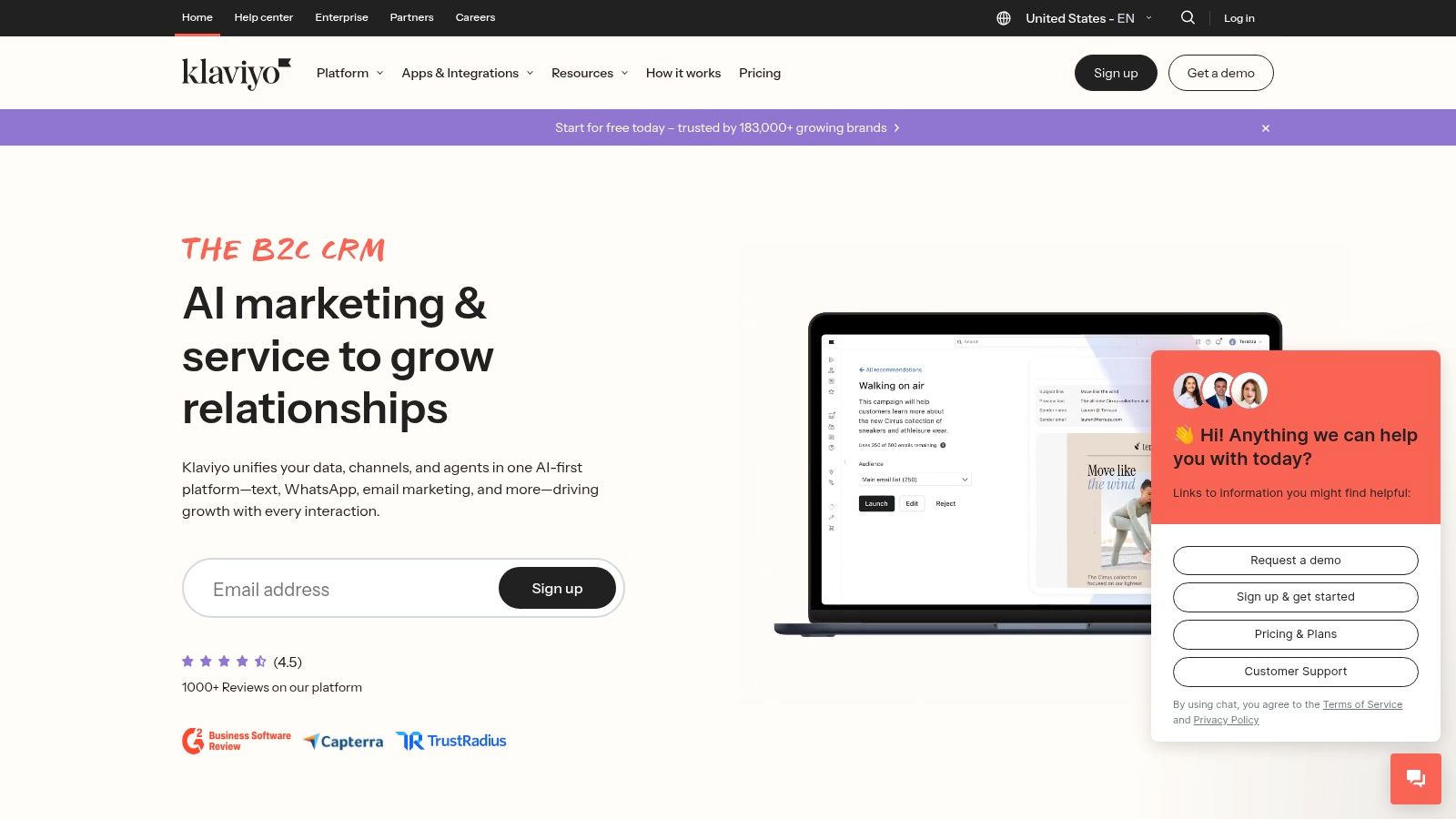
Unlike generic email service providers, Klaviyo is engineered to understand ecommerce behavior. It comes with a vast library of pre-built automation flows for scenarios like abandoned carts, browse abandonment, and post-purchase follow-ups. The platform’s real-time segmentation and revenue-focused analytics provide clear insights into which campaigns are generating actual income, not just opens and clicks.
Key Features & Use Cases
- Best For: Ecommerce stores of all sizes, especially those on Shopify, that want to leverage deep customer data to drive repeat purchases and increase lifetime value.
- Real-time Ecommerce Segments: Create dynamic lists based on purchasing behavior. For example, automatically send a special offer to customers who have purchased more than three times but haven't bought in the last 60 days.
- Native SMS Marketing: Combine email and SMS in a single automated workflow. Send a cart reminder email, then follow up with an SMS message an hour later if the user hasn't completed their purchase.
- Revenue-Focused Analytics: Go beyond vanity metrics and tie every campaign directly to revenue generated. See exactly how much your welcome series or win-back flow contributed to your bottom line.
Website: https://www.klaviyo.com
Practical Tip: Use Klaviyo’s predictive analytics to identify customers likely to churn or make another purchase. Creating targeted campaigns for these segments is an effective strategy to improve website conversion rates and boost customer retention.
8. MailerLite
MailerLite is a lightweight email marketing and automation platform designed for simplicity and efficiency. It offers an intuitive drag-and-drop editor and a clean user interface, making it one of the most accessible marketing automation tools for small businesses, creators, and lean teams who need to get started quickly without a steep learning curve. The platform focuses on core email automation features and complements them with website, landing page, and digital product sales tools.
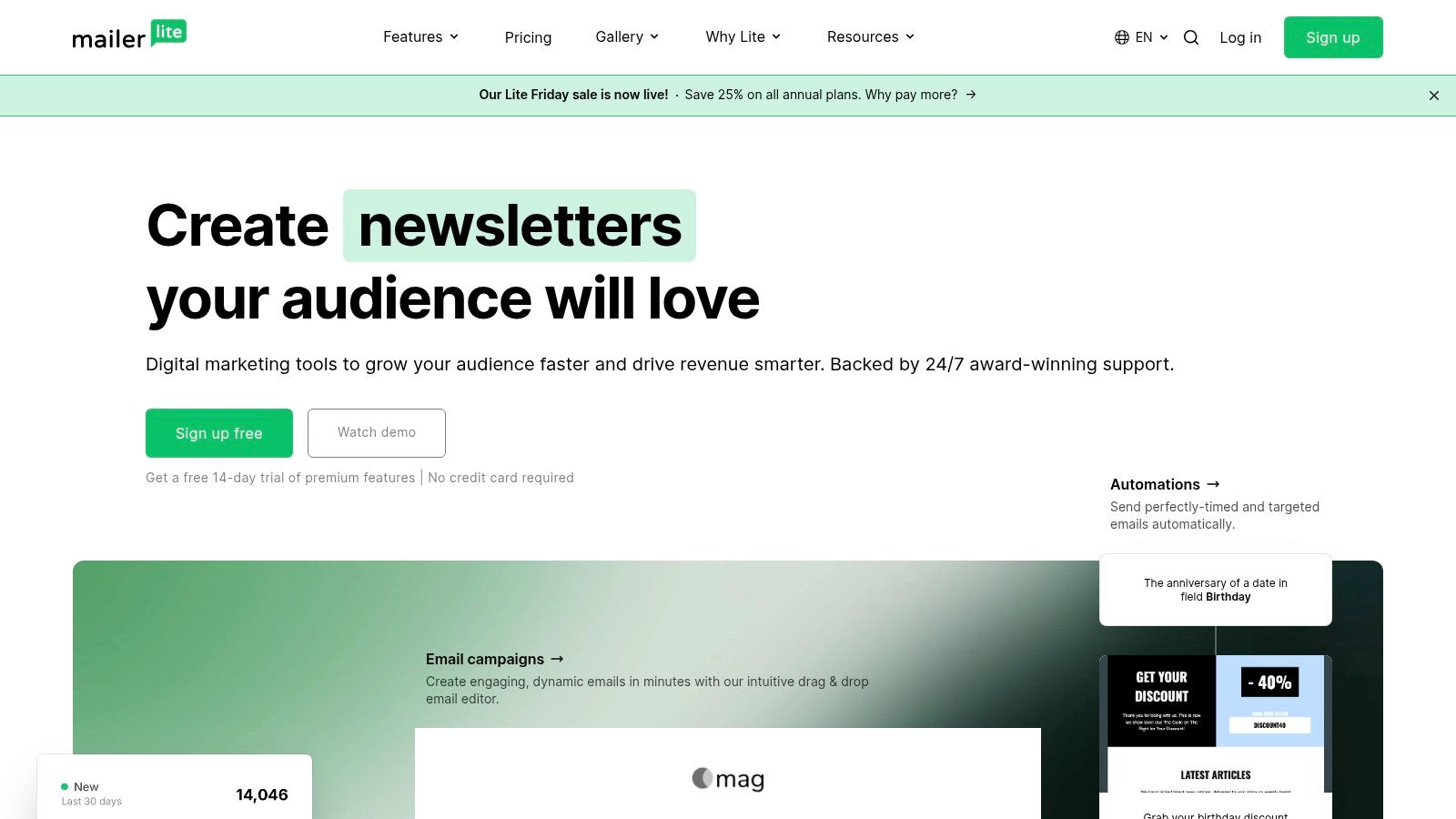
Unlike more complex systems, MailerLite bundles essential functionalities into affordable, straightforward plans. This makes it a powerful option for businesses that need effective email sequences, subscriber segmentation, and campaign tracking without the overhead of enterprise-level software. Its generous feature set, including an AI writing assistant and unlimited monthly emails on paid plans, provides excellent value.
Key Features & Use Cases
- Best For: Solopreneurs, creators, and small businesses looking for an easy-to-use and affordable tool for email automation and landing pages.
- Visual Automation Builder: Create simple or multi-step automation workflows. For example, you can automatically send a welcome email series to new subscribers or tag users based on links they click.
- Website & Landing Pages: Build complete websites, blogs, and signup forms directly within the platform, eliminating the need for a separate website builder for simple projects.
- Digital Product Sales: Sell ebooks, courses, or digital downloads directly through MailerLite landing pages, with Stripe integration handling payments.
Website: https://www.mailerlite.com
Practical Tip: Use MailerLite's A/B testing feature for your automation emails, not just regular campaigns. Testing different subject lines or content in your welcome series can significantly improve long-term engagement rates.
9. GetResponse
GetResponse is a versatile marketing automation platform that goes beyond traditional email marketing to offer a complete suite of tools for content creators and e-commerce businesses. While many platforms focus solely on email, GetResponse integrates features like webinar hosting, conversion funnels, and even a website builder, making it a powerful contender among marketing automation tools for small business owners who want to manage multiple channels from one dashboard.

Its visual workflow editor allows for creating sophisticated automation sequences based on user behavior, such as cart abandonment or webinar attendance. This makes it an excellent choice for businesses that rely on webinars, online courses, and detailed sales funnels to drive revenue. The platform's emphasis on an all-in-one approach helps streamline marketing efforts without needing to piece together multiple disparate tools.
Key Features & Use Cases
- Best For: E-commerce stores, content creators, and coaches who heavily use webinars and sales funnels to engage their audience and sell products or services.
- Integrated Conversion Funnels: Build and automate entire sales and lead magnet funnels. You can create a sequence that starts with a landing page, sends a series of nurturing emails, and invites qualified leads to a webinar.
- Built-in Webinar Hosting: Host live and on-demand webinars directly within the platform, then use automation to follow up with attendees and no-shows automatically.
- Unlimited Email Sends: All paid plans include unlimited email sends, which is a significant advantage for businesses with highly engaged lists that receive frequent communications.
Website: https://www.getresponse.com
Practical Tip: Use GetResponse's "Conversion Funnel" feature to visualize and build your entire customer journey. Start with a simple lead magnet funnel to capture emails, then create a separate, more complex sales funnel to convert those leads into paying customers.
10. Zoho Marketing Automation
Zoho Marketing Automation is a journey-based platform designed for businesses deeply invested in the Zoho ecosystem. It provides a powerful, integrated solution that links marketing activities directly to sales and customer support data within Zoho CRM. Its core strength lies in creating detailed customer journeys that react to user behavior, from website visits to specific email interactions.
Unlike standalone tools, Zoho excels at creating a cohesive, end-to-end customer experience by leveraging its entire suite of products. This makes it one of the most practical marketing automation tools for small businesses already using Zoho CRM, as it provides a single source of truth for all customer data and interactions, from initial lead capture to post-sale engagement.
Key Features & Use Cases
- Best For: Small businesses already using or planning to adopt the Zoho ecosystem, especially Zoho CRM. It’s ideal for users who need a unified view of the entire customer lifecycle.
- Customer Journey Builder: Create complex, multi-channel workflows. For example, you can build a journey that sends an email, waits three days, checks for a website visit, and then triggers an SMS message if the user hasn't converted.
- Website Behavior Tracking: Monitor visitor activity to trigger automations. Set up goals to track when a user fills out a form or views a demo, and use that data to segment and personalize campaigns.
- E-commerce Integration: Connect with Zoho Commerce or other platforms to trigger abandoned cart reminders, upsell promotions, and product recommendations based on purchase history.
Website: https://www.zoho.com/marketingautomation
Practical Tip: Start by mapping out a simple customer journey, like a welcome series for new subscribers. Use the pre-built templates to understand how triggers, actions, and conditions work together before building more complex, multi-channel workflows.
11. G2 – Marketing Automation Category
While not a tool itself, G2 is an indispensable resource for researching and comparing the best marketing automation tools for small business. It’s a massive software marketplace and review platform where you can filter through hundreds of vendors based on real, verified user feedback. Instead of relying solely on marketing copy, G2 gives you access to the unfiltered experiences of other business owners.
This platform allows you to compare tools side-by-side, read in-depth reviews, and see how different platforms are rated on specific features like email marketing, lead nurturing, and ease of use. This aggregated sentiment helps you quickly create a shortlist of potential vendors that genuinely fit your business size, budget, and technical requirements.
Key Features & Use Cases
- Best For: Small businesses in the research phase who want to compare multiple tools using validated peer reviews and data-driven reports before committing to demos.
- Advanced Filtering: Find your ideal solution by filtering vendors by company size, user satisfaction ratings, specific features, and available integrations.
- Side-by-Side Comparisons: Create custom comparison reports for your top three or four contenders to see how they stack up on key criteria like pricing, features, and support quality.
- G2 Grid® Reports: Quickly identify market leaders, high performers, and niche solutions within the marketing automation space based on market presence and user satisfaction scores.
Website: https://www.g2.com/categories/marketing-automation
Practical Tip: Use the G2 filtering options to specifically search for tools that integrate with your existing tech stack (like your CRM or e-commerce platform). This step is crucial for ensuring any new marketing automation tool will work seamlessly with your current systems.
12. Capterra – Marketing Automation Category
Instead of being a single tool, Capterra is a comprehensive software directory that acts as an essential research hub. It’s an invaluable starting point for small businesses trying to navigate the crowded landscape of marketing automation tools. The platform provides robust filters, pricing overviews, and verified user reviews to help you compare dozens of options side-by-side and find the perfect fit for your specific needs and budget.
Capterra streamlines the selection process by centralizing information that would otherwise require hours of research. You can quickly filter tools by features like A/B testing, lead scoring, or CRM integration, and then read firsthand experiences from other small business owners. This allows you to create a well-researched shortlist before committing to demos or free trials.
Key Features & Use Cases
- Best For: Businesses in the initial research phase who need to compare multiple marketing automation tools for small business based on features, pricing, and real-world reviews.
- Advanced Filtering: Narrow down the vast market to a manageable list. For example, you can filter for tools that integrate with your specific e-commerce platform and fall within a set monthly budget.
- Verified User Reviews: Gain authentic insights into a tool's usability, customer support quality, and actual performance, helping you avoid solutions that look good on paper but fail in practice.
- Side-by-Side Comparisons: Directly compare the features, pricing models, and user ratings of your top contenders to make a data-driven decision.
Website: https://www.capterra.com/marketing-automation-software
Practical Tip: Use Capterra to build your initial shortlist of 3-5 potential tools. Focus on reviews that mention your industry or a similar business size, as their experiences will be most relevant to your own.
Top 12 Marketing Automation Tools: Small Business Comparison
How to Choose the Right Automation Tool for Your Business
Navigating the landscape of marketing automation tools for small business can feel like a monumental task. We've explored a wide range of platforms, from comprehensive all-in-ones like HubSpot and Zoho to specialized powerhouses like Klaviyo for e-commerce and user-friendly options like MailerLite. Each tool offers a unique blend of features, pricing, and capabilities designed to help you reclaim your time and scale your marketing efforts effectively.
The core takeaway is that there is no single "best" platform. The ideal choice for your business hinges entirely on your specific circumstances. What works for a local service business might not be the right fit for a rapidly growing online store. Your budget, team size, technical comfort level, and ultimate marketing goals are the most critical factors in making a smart decision. Rushing into a platform because it's popular can lead to paying for features you don't use or, worse, choosing a system that creates more work than it saves.
A Practical Framework for Your Decision
Before you commit to a free trial or a paid plan, take a step back and use the checklist we outlined. This isn't just a formality; it's a strategic exercise that will bring clarity to your selection process. Let's revisit those crucial questions to guide your final choice.
1. What is your primary automation goal?If your main objective is converting leads through sophisticated email sequences, a platform like ActiveCampaign or GetResponse excels. If e-commerce revenue is your focus, with an emphasis on abandoned cart recovery and customer segmentation, Klaviyo is hard to beat. For simpler newsletter automation and list management, Mailchimp or Constant Contact provide a solid, accessible foundation.
2. How complex are your integration needs?Your marketing automation tool doesn't operate in a vacuum. It needs to communicate seamlessly with your website, CRM, and other essential software. Check for native integrations. For instance, does it connect directly with Shopify or WordPress? Does it integrate with your help desk or knowledge base tools? A well-integrated system prevents data silos and ensures a smooth, automated workflow.
3. What is your realistic budget and growth plan?Pricing models vary significantly. Some charge per contact, while others charge based on email sends or feature tiers. Map out your projected costs for the next 12-24 months. A tool that seems affordable today could become expensive as your contact list grows. Brevo's model, which is less dependent on contact count, can be a cost-effective choice for businesses with large but less engaged audiences.
4. How much support will you need?Don't underestimate the value of good customer support, especially during the initial setup phase. Platforms like HubSpot and ActiveCampaign are known for their extensive onboarding resources and responsive support teams. If you're less technically inclined, prioritizing a tool with excellent live chat, phone support, and a comprehensive knowledge base can save you countless hours of frustration.
By carefully considering these points, you transform the process from a guessing game into a strategic business decision. The right marketing automation tool for your small business will act as a force multiplier, enabling you to build stronger customer relationships and drive growth without adding to your workload. Choose the platform that empowers you to work smarter, not harder, and aligns perfectly with your vision for the future.
As you build out your automated workflows, you'll find that customer questions often follow a predictable pattern. Instead of writing the same answers over and over, integrate an AI-powered FAQ and knowledge base with Faqir. It allows you to create a self-service help center that seamlessly integrates with your website, reducing support tickets and empowering customers to find answers instantly. Learn how Faqir can automate your customer support today.